Learn
Tips & tutorials
Practical, step-by-step guides for getting more out of Voxel.
RegEx Formatting
With Voxel v1.5.4 release, they allow us to format the text field using regex. Here are some example of how to use it. Pattern: Enter a regular expression that all submitted va...

Add a "Popular" Tag to Posts
Switch from Voxel Elements to Elementor Core
Voxel Elements was a customized version of the free Elementor plugin, developed by the creators of the Voxel Theme. The goal was to modify Elementor's core files to significantly e...
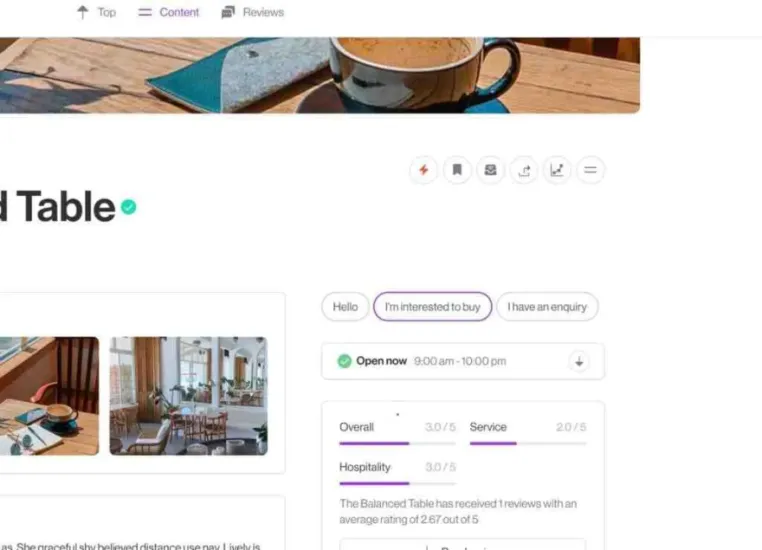
Setup Preset Messages for Posts
If you are wanting to have the ability to setup a default message for a post when someone clicks the "message" button, this is possible with 1.4 and up. Use Cases:1. For property...
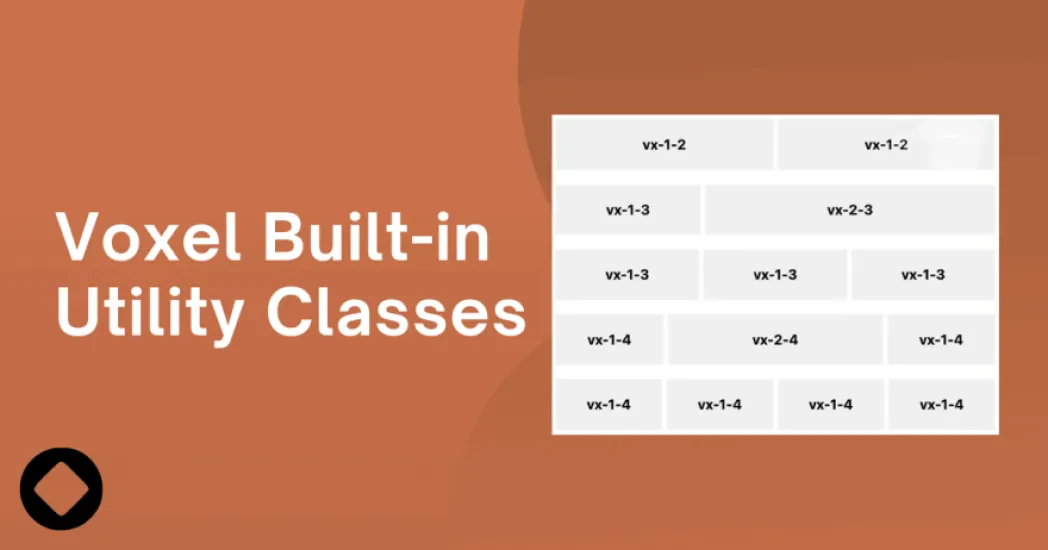
Voxel Custom Utility Classes
If you're looking to enhance your content, specifically your create forms, since 1.4, Voxel has introduced "utility classes". These are preset classes Voxel has hardcoded in the th...
Allow Users to Password Protect their Listings/Posts
CREDIT TO: Oli Ver for everything here. https://gist.github.com/bremercreative/147760a0ffa7b1c0ad499df2bddc274a WHAT DID I ACHIEVE WITH THIS? A user can set a password to...
Show the Post Author's Current Time
VIEW DEMO In order to do this, you need to add the "Timezone" field to that post type. That is required to make it work. Then perform the following: Install the Voxel Child...

Generate Random Avatars for Users on Account Creation
Sometimes users won't know how to or won't even upload an image to your platform for their profile. No worries as we can auto generate one for them. Using DiceBear, we can create a...

You've Installed Voxel, Now What?
Once installed, we recommend to immediately install a child theme. This allows you to ensure that later on you can make custom code changes to the site. Follow this article to lear...

Send a Message in Telegram in App Events
Telegram is an amazing platform to get notifications quickly. In order to do so, follow these instructions: Navigate to the backend of your site and go to Voxel > App Events...

Create a Restaurant Menu with Sections Using Repeaters
Displaying the food that businesses offers is a key function that some of the best directories have. This includes Yelp and other directory sites. Adding that functionality to your...

Add a Dividing Line in your Vertical Menu
To add a divider as a menu item in the WordPress admin menu, you can use the following steps: Go to your WordPress admin dashboard. Navigate to "Appearance" and then "Menus." In...

Making a Collection Private in Voxel WordPress Theme
If you wish to make the collection private, you can do so globally by applying a visibility rule to the collection single template. Navigate to the template then click on the page...